By Matt C.
Last checked: September 1, 2026. This guide is for international visitors travelling independently in mainland China. App menus, payment support and availability can change, so install the official versions and check the live app-store listing before departure.
The short answer
The best apps for China travel are Alipay, WeChat, AMap Global, DiDi, and 12306. Add Trip.com if you want an English booking backup, and install a translation app with offline Chinese before you fly. Set up payment and navigation first; you can add the other apps when your itinerary requires them.
You do not need twenty apps. A practical first-time setup is one main payment app, one backup payment or communication app, one map, one ride-hailing option, one train-booking option and one offline translation tool. Keep your original passport, a working phone number and a second way to pay because no app works perfectly for every foreign card, phone, shop or station.

Best apps for China travel before departure in a Chinese railway station. Photo: Thomas Bächinger, Wikimedia Commons, CC BY-SA 2.0.

Who should use this China travel app checklist?
Use it if you are:
- Visiting mainland China for the first time with a foreign passport.
- Travelling independently rather than relying on a tour guide for every transfer.
- Using an iPhone or an Android phone with access to the Apple App Store or Google Play.
- Planning to pay for food, transport, hotels or tickets yourself.
This guide is not a promise that every app is available in every country, that every international card will work, or that every feature is translated. Your passport, phone number, bank and the merchant’s payment setup can change the result.
What to prepare before downloading the apps
| Prepare | Why it matters |
|---|---|
| Original passport | Payment verification, real-name train tickets and some account checks may require the document. |
| Phone that can receive SMS | Some apps send a verification code to your international or Chinese number. |
| International payment card | Add a Visa, Mastercard or another supported card before the trip, then test a small payment. |
| Backup payment method | Carry a second card and some RMB cash for a failed card, offline terminal or account restriction. |
| Hotel name and address in Chinese | Show the Chinese address to a driver, taxi staff or hotel reception. |
| Offline translation pack | A network problem should not leave you unable to read an address or explain an allergy. |
| App-store account access | Download and update apps before departure while your normal store account works. |
Do not photograph your passport and upload it to an unofficial app or send it to a stranger offering setup help. Only provide identity or card information inside the official app or the official booking platform.
The five core apps
1. Alipay: your main payment and service app
Alipay is the first app I recommend most visitors set up. China government information says foreign visitors can download Alipay and use foreign or Chinese mobile numbers. Alipay also provides QR payment and service functions used by shops, restaurants, transport providers and some travel services.
Use Alipay for:
- QR-code payments at shops and restaurants.
- Taxi and local-service entry points where the app offers them.
- Transport or merchant mini-programs when a card payment is not shown directly.
- A main payment method before you start moving around China.
Set it up before departure, add your international card, complete any verification requested by the app and make a small test payment where possible. Do not assume that adding a card means every QR code will accept it. Some merchants use systems or transaction types that behave differently.
For the exact card-binding steps, limits and failure handling, read How to Use Alipay in China as a Foreigner.

Alipay and Weixin Pay signs for foreigners travelling in China. Photo: Likchemen TONG, Wikimedia Commons.

2. WeChat: communication and a payment backup
WeChat is useful even when you do not plan to use it as your main payment app. Hotels, guides, restaurants and local contacts may use WeChat for messages, location sharing or service accounts. Weixin Pay, the mainland payment service, also supports adding international cards for eligible users.
Use WeChat for:
- Messaging a hotel, guide or local contact.
- Receiving a location pin or service update.
- Weixin Pay as a payment backup after you complete the setup.
- Accessing a mini program only when you understand what information it requests.
The official WeChat Help Center says users without a mainland Chinese ID card can use a passport or other accepted document for identity information in Weixin Pay. The official service does not guarantee that every international card, account or merchant will work. Set up Alipay first and WeChat second so a problem with one account does not stop your trip.
Install AMap Global, the international version of AMap, from the official Apple App Store listing or search for the official listing in Google Play. The App Store description presents AMap Global as a map for international visitors, with hotel routes, taxis and China travel preparation features.
Use it for:
- Searching hotels, restaurants, attractions and railway stations.
- Checking walking, subway, bus and driving routes.
- Showing a driver the correct destination.
- Comparing a place’s Chinese name with the English name.
Before you leave your hotel, search the destination and save or screenshot the Chinese address. A translated English place name can point to the wrong branch. For large cities, check the exact station or entrance, not just the city name.
Apple Maps can be a useful second map on iPhone, but coverage and transit details vary by city. Keep AMap Global as your China-focused map and do not rely on Google Maps as your only navigation tool.
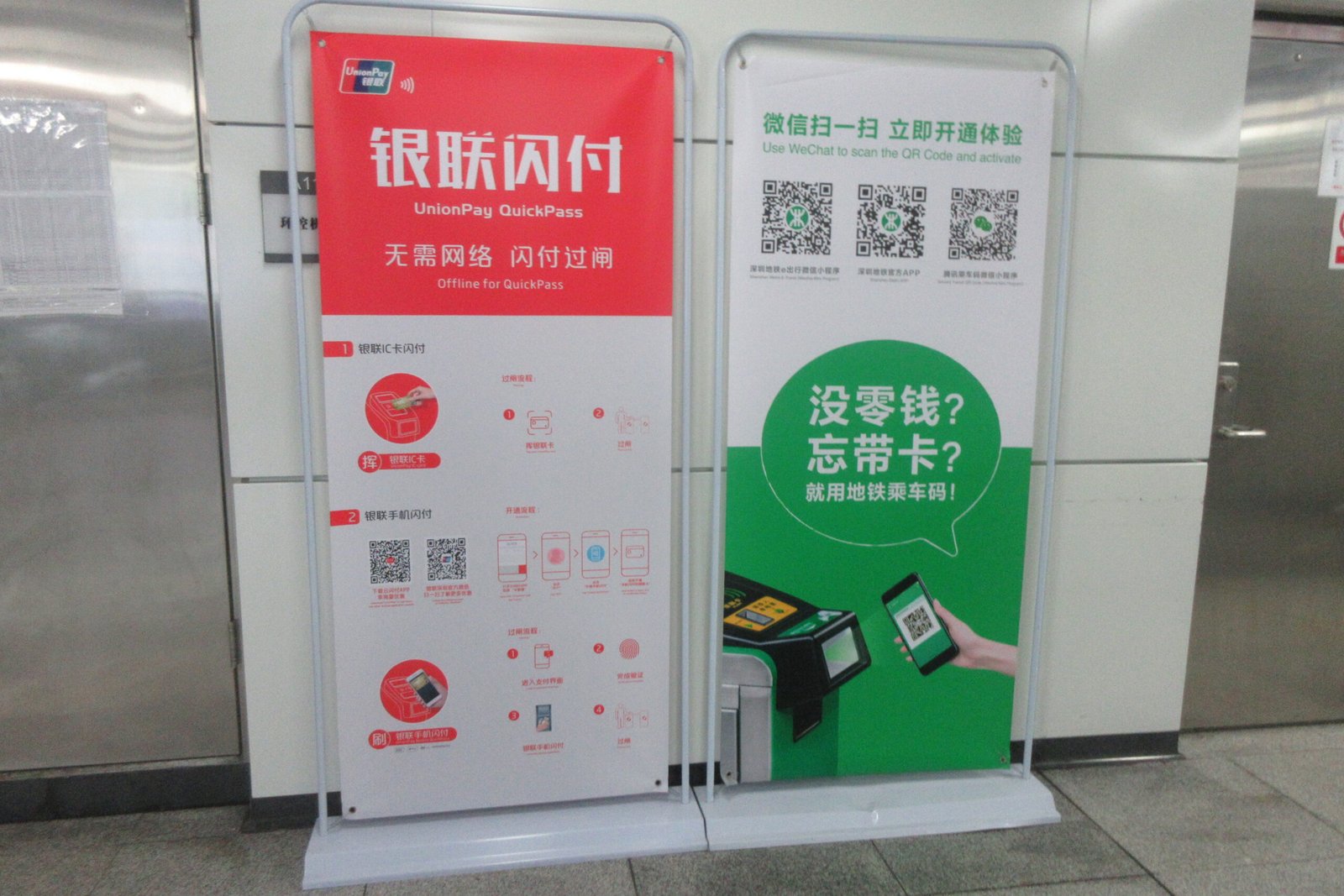
China metro station signs and mobile payment for a China travel route. Photo: SANGTUN GPAILAMS, Wikimedia Commons.

4. DiDi: ride-hailing when public transport is inconvenient
DiDi is the main ride-hailing app I would try when you need a car. Install the official DiDi app or use the DiDi service available through an official supported app entry point. Register with a phone number that can receive the verification code, turn on location permission when you request a ride and check the pickup point before confirming.
Use DiDi for:
- Airport or hotel transfers when the route is difficult with luggage.
- Late arrivals when the subway is closed.
- A destination that is far from a station.
- Showing the driver the destination and pickup location inside the order.
Before entering the car, check the plate number and vehicle shown in the app. Do not get into a car because the driver calls your name. If registration or payment does not work, use the official taxi queue at the airport or ask your hotel front desk to call a taxi. Keep the Chinese hotel address ready.
Because DiDi’s foreign-number and payment experience can vary by account and phone, test the account before you need an airport ride. Do not write that an international number or card is guaranteed to work for every traveller.
5. 12306: official China Railway tickets
Use the official China Railway 12306 English website or its official mobile app when you want to buy a train ticket directly. Foreign passengers can purchase real-name tickets with valid passports under the railway’s published rules. Or check my instruction here.
Use 12306 for:
- Official train schedules and ticket inventory.
- High-speed rail and intercity train bookings.
- Your own order, refund and change records.
The passport details on the booking must match the original passport you carry to the station. For the complete registration, passenger, payment and boarding steps, read How to Buy China Train Tickets with a Foreign Passport.

12306 train app and passport entry at a China railway station. Photo: Kim S / MrPanyGoff, Wikimedia Commons.

Useful backup apps
Trip.com: English booking backup
If 12306 registration, verification or payment is too difficult, Trip.com can be a more convenient English booking route for trains, hotels and selected travel products. It is a commercial platform, not the railway authority. Enter the passenger’s passport details exactly as printed and read the live total price and change/refund terms before paying.
Affiliate disclosure: The Trip.com link in this section is an affiliate link. If you make a qualifying purchase through it, Matt China Guide may earn a commission at no extra cost to you.
Search China train options on Trip.com
Trip.com does not remove the China Railway real-name travel requirement. Carry the same original passport used in the booking and confirm the order instructions in Trip.com before going to the station.
A translation app: use it offline
Install Google Translate, Apple Translate or another reputable translation app that supports Chinese, then download the Chinese language pack before departure if your device offers offline downloads. Test it in airplane mode.
Save these items in both English and Chinese:
- Hotel name and address.
- Railway station name.
- Food allergies.
- Emergency contact information.
- Your next destination.
Translation apps can mistranslate menus, names and medical terms. For an allergy or medical issue, show the original Chinese wording as well and ask the restaurant or pharmacy to confirm.
Airline and hotel apps
Use your airline’s official app for flight changes and boarding information. Use the booking platform where you made your hotel reservation so you can show the reservation number at check-in. You do not need to install every hotel or airline app in advance.
The order I recommend for setting up the apps
- Install or update Alipay and add your international card.
- Install WeChat and complete the account and payment setup as a backup.
- Install AMap Global and search your airport, hotel and first railway station.
- Install DiDi and confirm that your phone can receive its verification code.
- Install 12306 if you plan to book trains directly; add each passenger using the exact passport information.
- Install Trip.com only if you want an English commercial booking backup.
- Install a translation app and download Chinese offline data.
- Put the hotel address, passport and payment backup information in an offline note.
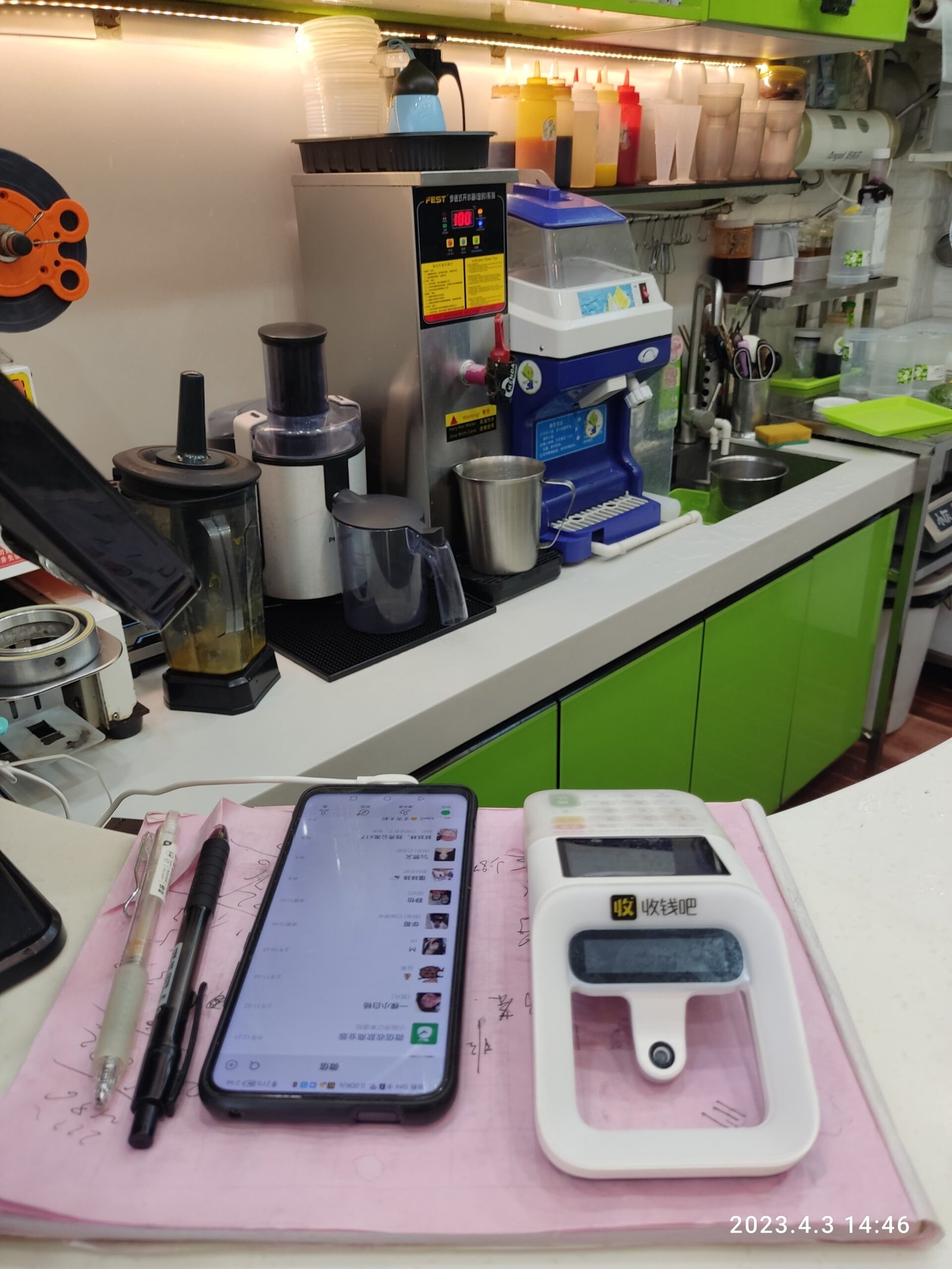
China mobile payment smartphone for a first-time visitor app checklist. Photo: BAIZEAKITOIU Mingdym, Wikimedia Commons.

Limits and failure branches
The app is not available in your app store
Do not download a random APK or an unofficial copy. Check the official Apple App Store or Google Play listing, update your phone and ask your hotel or travel provider for a supported alternative. Download essential apps before departure.
Your foreign card is declined
Try the other supported payment app or your second card. Check whether your bank declined the transaction. Carry RMB cash and do not assume that a pending payment created a completed booking. For a train, confirm the order status in 12306 or Trip.com.
You cannot receive the verification code
Check that international SMS is enabled and that the number is entered with the correct country code. Try again later without repeatedly creating accounts. If you have a Chinese SIM, add it only through the official account settings. Never give an SMS code to a driver, reseller or stranger.
The map sends you to the wrong place
Compare the Chinese place name, district and street address. Large cities often have several stations, hotel branches and entrances. Show the Chinese address to the driver and check the destination pin before leaving.
DiDi cannot complete the ride
Use the official taxi queue, ask hotel staff to call a taxi or take the subway/airport shuttle. Do not accept an unmarked vehicle that approaches you outside an airport or station.
You lose internet access
Use your offline translation pack, saved Chinese addresses, screenshots and hotel contact details. Ask hotel staff or a railway information desk for help. Do not make a critical booking based only on a screenshot; confirm it in the account when you reconnect.
My recommended app stack
| Need | Main recommendation | Backup |
|---|---|---|
| Pay in shops | Alipay | Weixin Pay plus a second card or RMB cash |
| Message local services | Hotel email or front desk | |
| Maps and local places | AMap Global | Apple Maps or saved Chinese addresses |
| Car ride | DiDi | Official taxi queue or hotel-called taxi |
| Mainland trains | 12306 | Trip.com or a staffed railway ticket counter |
| Translation | Offline Chinese pack | Saved bilingual notes and hotel assistance |
FAQ
What is the one app I should install first?
Install Alipay first because payment is needed for many everyday transactions. Then install AMap Global and WeChat. Set up each app before departure rather than waiting until you arrive at the airport.
Can I travel in China with only Google Maps?
Do not use Google Maps as your only map. Install AMap Global, save important Chinese addresses and keep a second map or offline note available.
Do foreigners need a Chinese phone number?
Not every app requires a Chinese number. Some services can accept an international number, while verification, SMS delivery and features vary. Use a number that can receive codes and never assume that every app has the same rule.
Can I use only one payment app?
You can try, but I recommend setting up a second payment method and carrying a second card or RMB cash. A foreign card can be declined, a merchant can use a different QR setup, or an account can require verification.
Do I need both 12306 and Trip.com?
No. Use 12306 for the official direct route. Add Trip.com if you prefer an English commercial booking flow or need a backup. Compare the total price and live refund terms before paying.
Official sources and app links
- China Railway 12306 English website: official train search, booking and account services.
- China Railway 12306 English FAQ: passport-based real-name tickets and e-ticket rules.
- State Council Information Office: mobile payment services for foreign visitors: government information on mobile payment access.
- WeChat Help Center: international cards with Weixin Pay: accepted identity information and setup help.
- WeChat Newsroom: international bank cards with Weixin Pay: official service announcement.
- AMap Global on the Apple App Store: official international map app listing.
- Trip.com China train booking: commercial booking platform and affiliate link.
About Matt China Guide
I am Matt, a Chinese local creating practical English guides for international visitors travelling in China for the first time. I focus on the parts of a trip that are easy to underestimate before arrival: payment setup, train tickets, maps, ride-hailing, Chinese addresses and what to do when an app fails.
I do not describe an app as universally reliable just because it is popular in China. I separate official platform information from local context, identify the document or account detail that matters, and give a backup for the most common failure. When a feature or rule can change, I show the date checked and link to the relevant official source.
My aim is to help you complete practical travel tasks with less uncertainty, while being honest about what depends on your passport, bank, phone, city, merchant or booking platform.
Trip.com Travel Offers
Check the current Trip.com travel promotion and read the live offer terms before booking.
View Current Trip.com DealsAffiliate link: Matt China Guide may earn a commission at no extra cost to you.